
April 4, 2026
by Jane Doe
The Best Feedback Tool
for Your Website
A comprehensive overview of the latest product updates including new features, improvements and bug fixes.
Something wrong with this image?
Click it and leave a comment.

April 4, 2026
by Jane Doe
The Best Feedback Tool
for Your Website
A comprehensive overview of the latest product updates including new features, improvements and bug fixes.
Even the busiest layouts —
every element is reachable.
Fubi handles the edge cases
so you don't have to.
Background images, videos, and overlays —
one click to comment on what's underneath.
Your feedback follows every element,
no matter where it moves.
Comment on a block, then remove it.
Fubi shows exactly where it was.
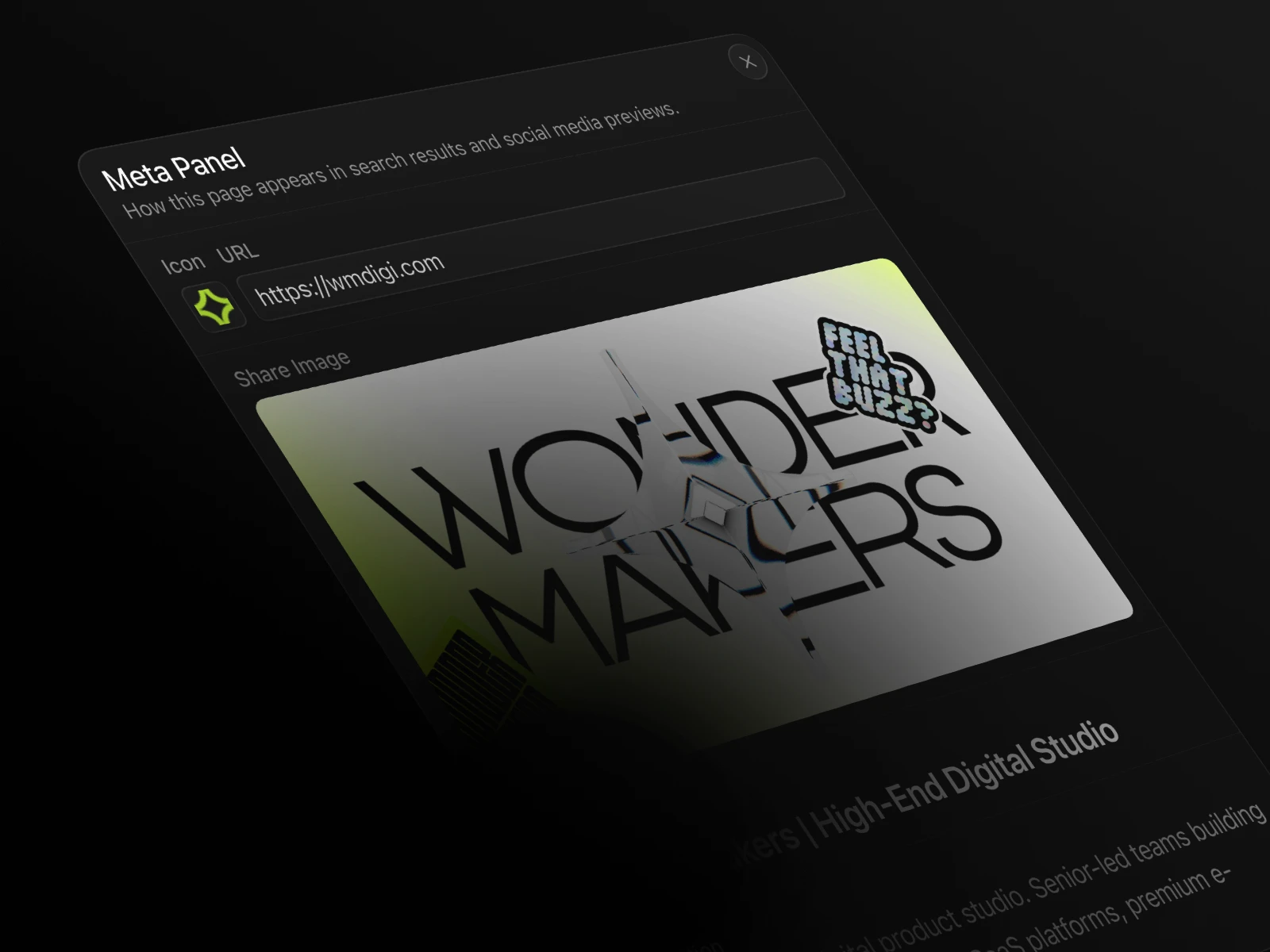
OG image, favicon, description —
review what search engines see.
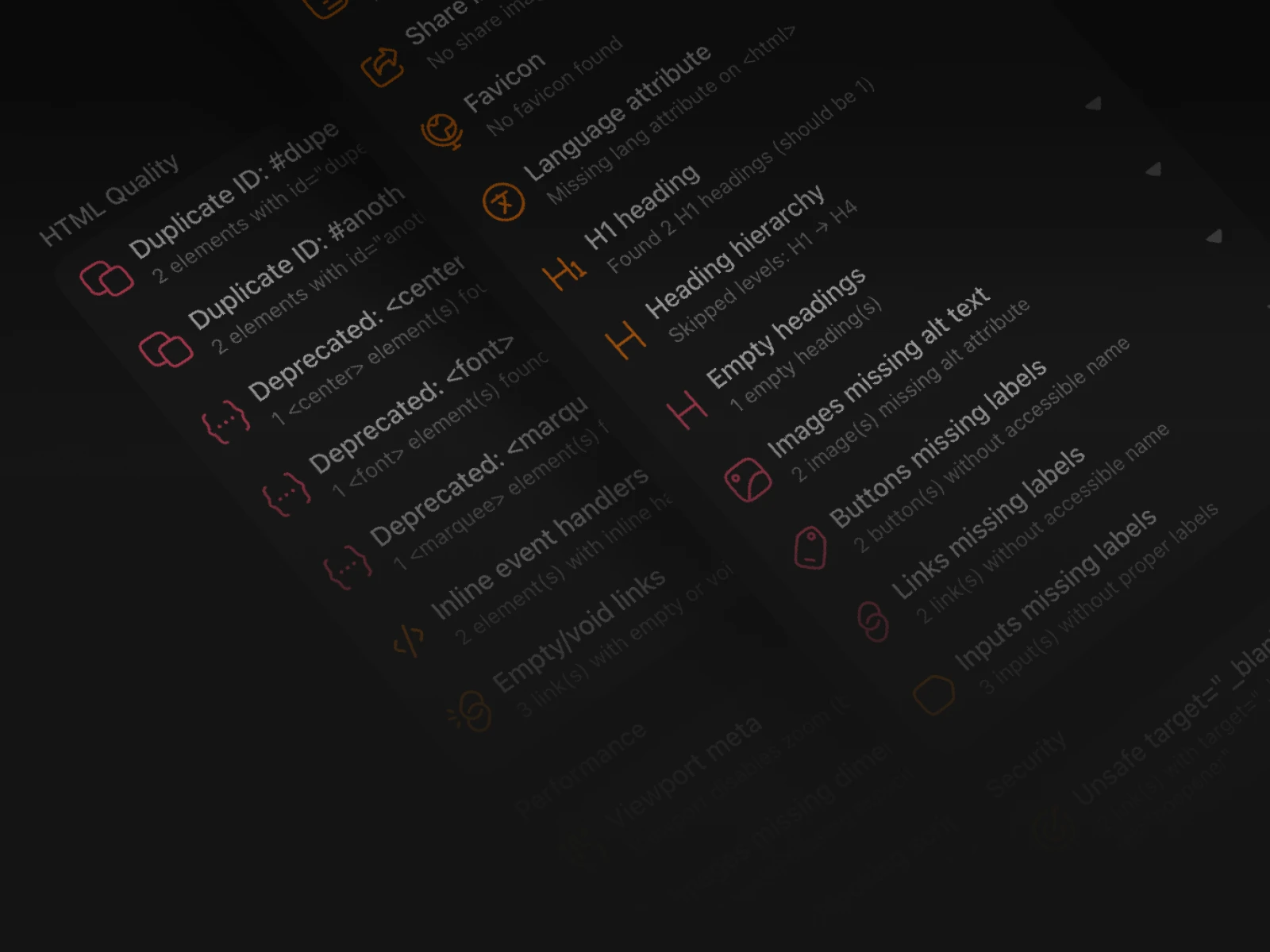
Missing alt texts, broken links, SEO gaps —
Fubi catches what you'd normally miss.
Start free for 14 days.
Upgrade when you're ready.
For freelancers & small teams
14 Days Free Trial
For small agencies
14 Days Free Trial
For growing agencies
14 Days Free Trial